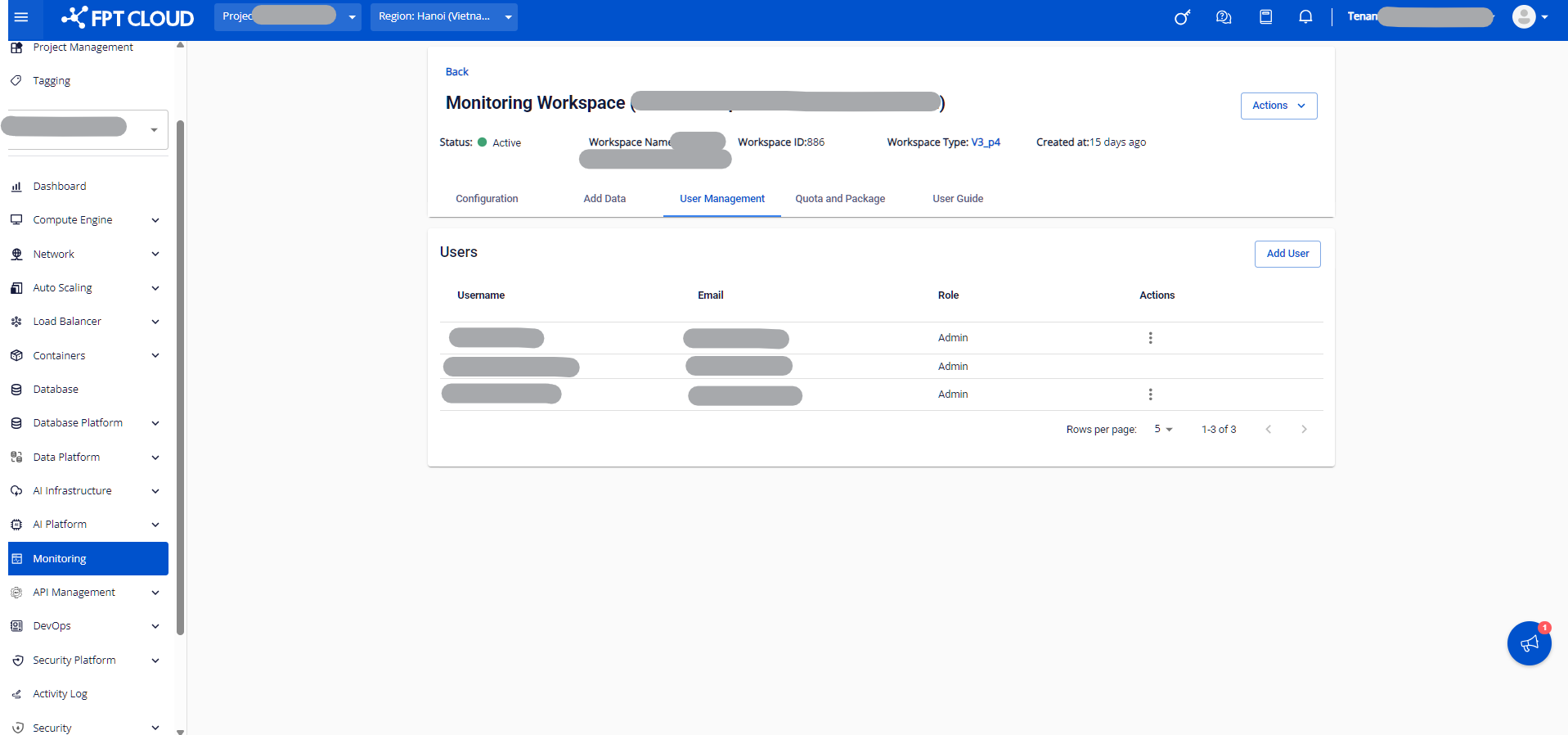
3.5. Quota and Package tab
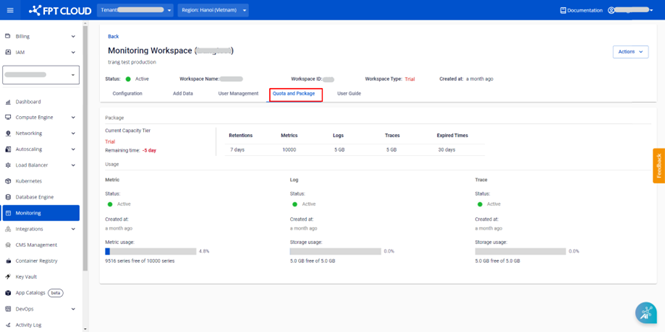
The Quota and Package tab shows the service package information and resource quota currently in use by the workspace.
Step 1. Log in to FPT Cloud Portal at https://console.fptcloud.com.
Step 2. In the FPT Cloud Portal menu, click Monitoring to display the workspace list.
Step 3. Click a workspace name to open the workspace detail screen.
Step 4. Select the Quota and Package tab. This tab shows the current service package and the workspace's resource usage (timeseries, log, trace).
For legacy packages (Custom, Trial, Base):
For newer V3 packages (V3_P0 to V3_P4):