3.3. Add data tab
The Add data tab provides comprehensive integration guidance for infrastructure services, applications, and public endpoint monitoring. It includes step-by-step installation guides for collecting metrics and logs from various services and applications across multiple programming languages.
Step 1. Log in to the FPT Cloud Portal at https://console.fptcloud.com.
Step 2. In the FPT Cloud Portal menu, click Monitoring to display the list of workspaces.
Step 3. Click a workspace name to open the workspace detail screen.
Step 4. Click the Add data tab.
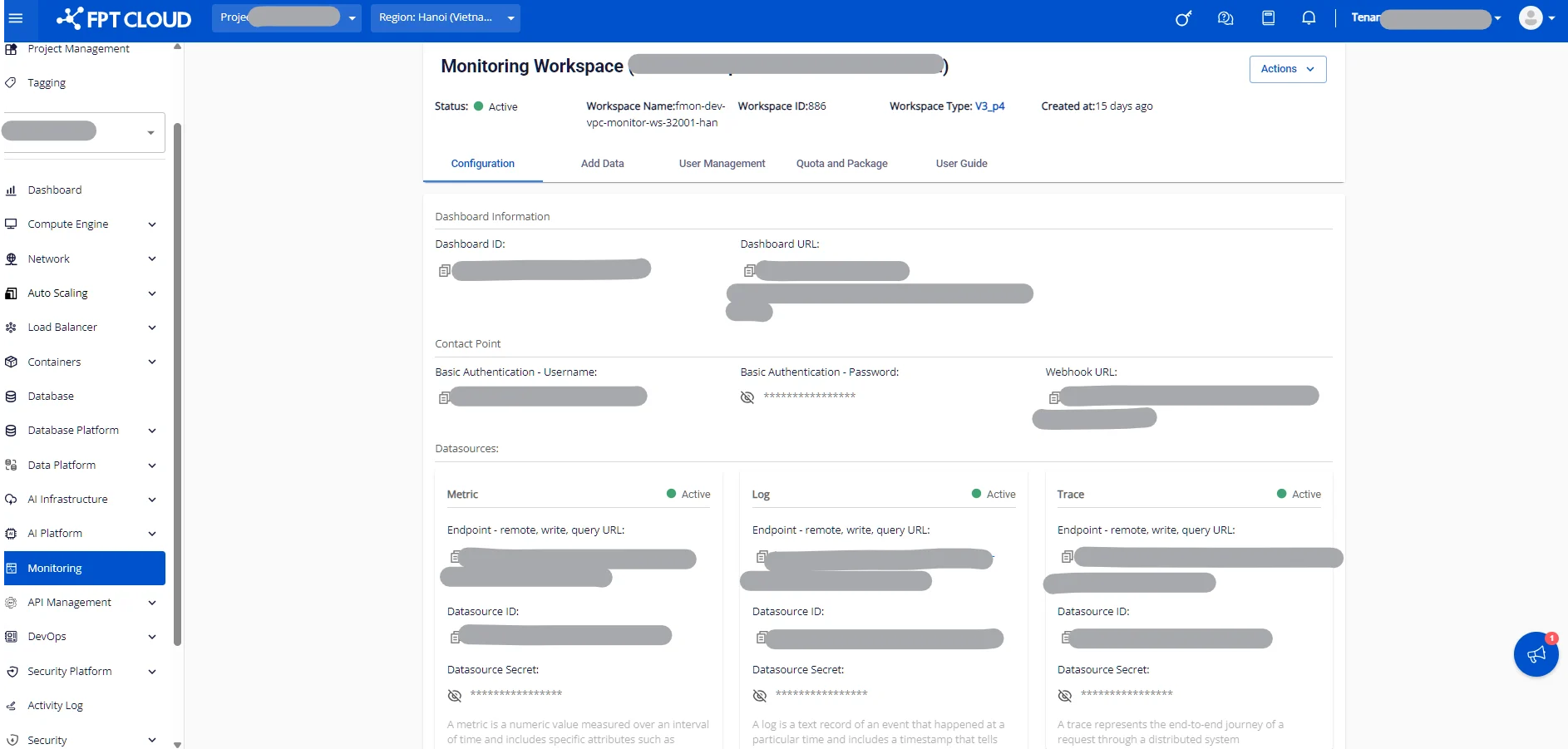
Step 5. Click into each service entry in the list to view detailed setup guides for the agent that collects metrics and logs for your use case.
The Add data tab supports:
- Infrastructure service integration guidance.
- Application monitoring setup instructions.
- Public endpoint monitoring configuration.
- Multi-language support for different programming environments.
- Agent deployment instructions for collecting metrics and logs.