Zalo ticket support
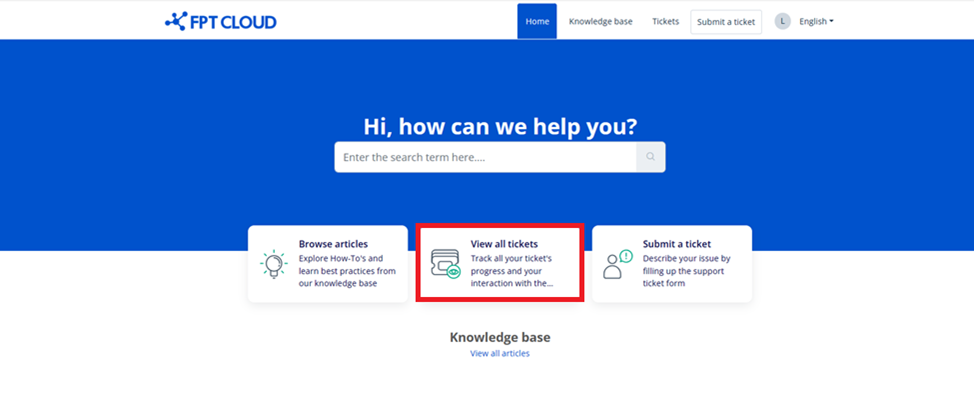
This guide explains how to create FPT Cloud support tickets via the Zalo OA channel or directly on the support portal: https://support.fptcloud.com
Create a support ticket via Zalo OA
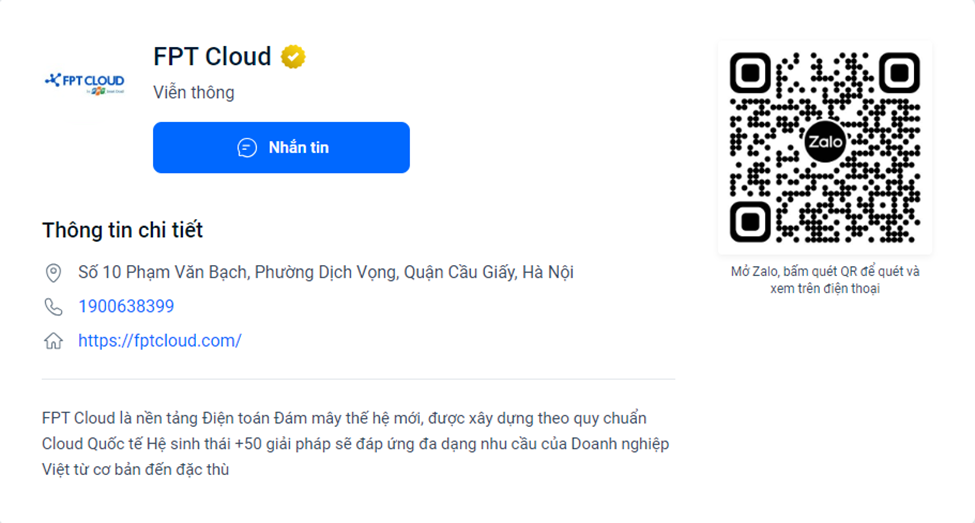
Follow the official FPT Cloud account (OA) on Zalo by using the Zalo app to scan the QR code, then select Follow.
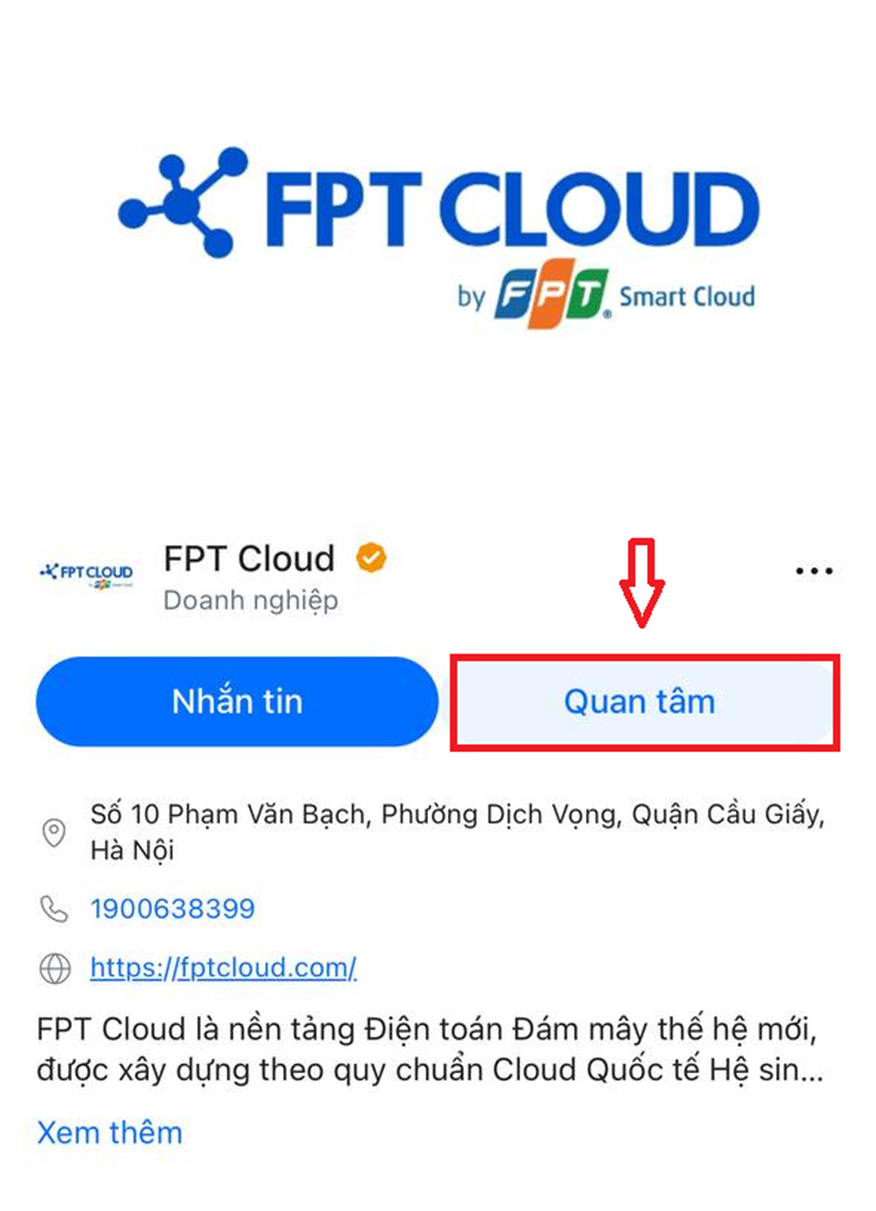
Screen displayed after following successfully:
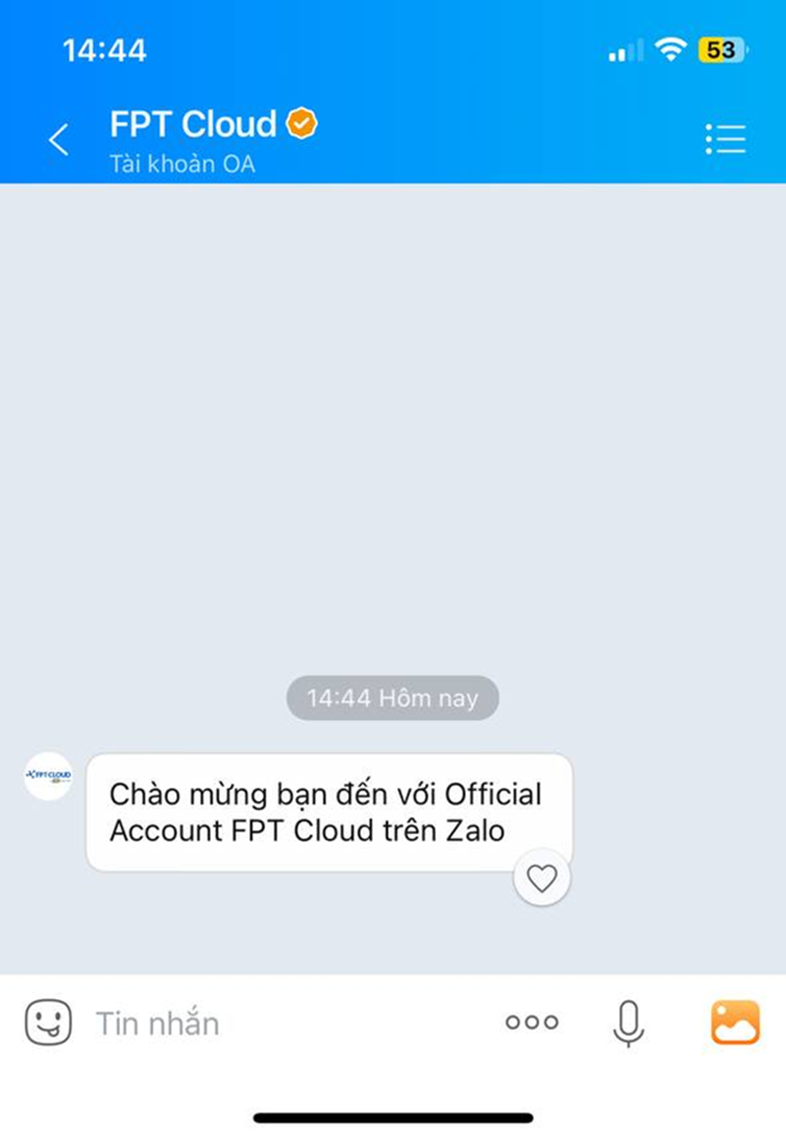
Submit a support request from FPT Cloud Portal
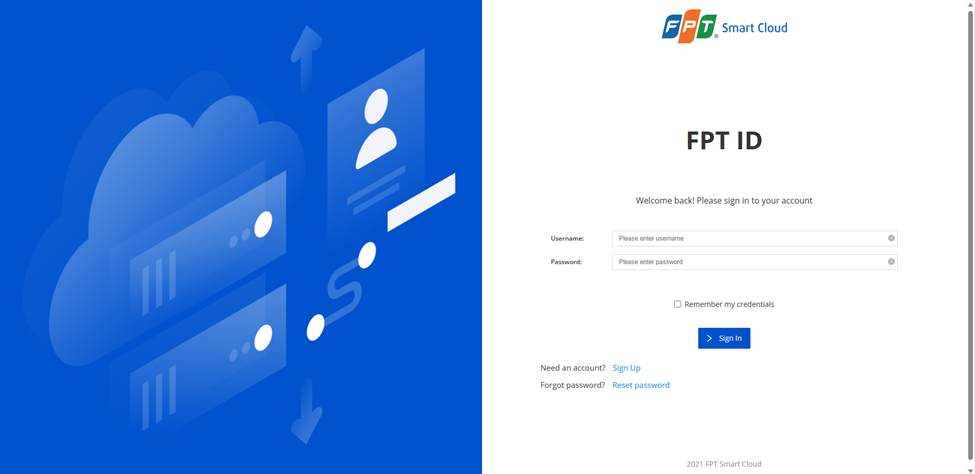
Step 1: Access the FPT Cloud support page.
Option 1: Go directly to https://support.fptcloud.com. Log in with your registered FPT Cloud account.
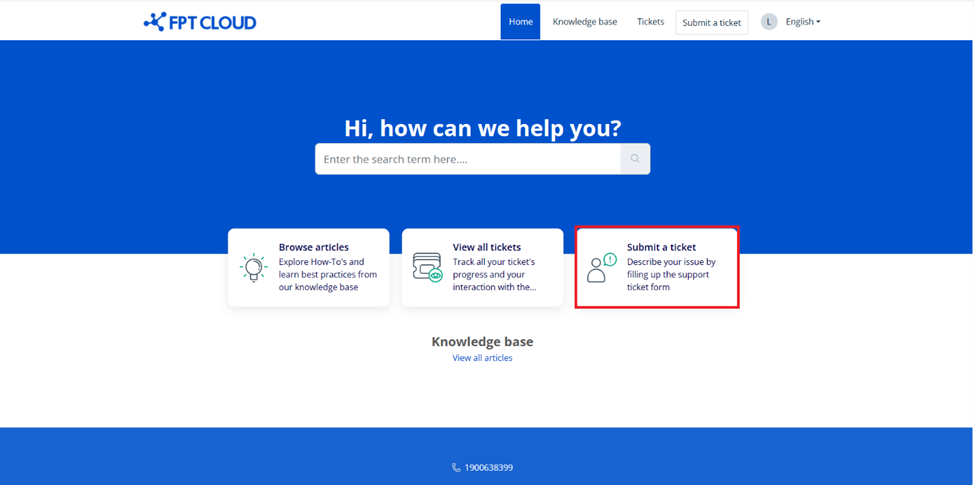
Select Submit a ticket to create a support request.
Option 2: Via FPT Cloud Zalo OA — type /support in the official support group chat or chat directly with the FPT Cloud Official Account. Zalo will send you a link to the support page.
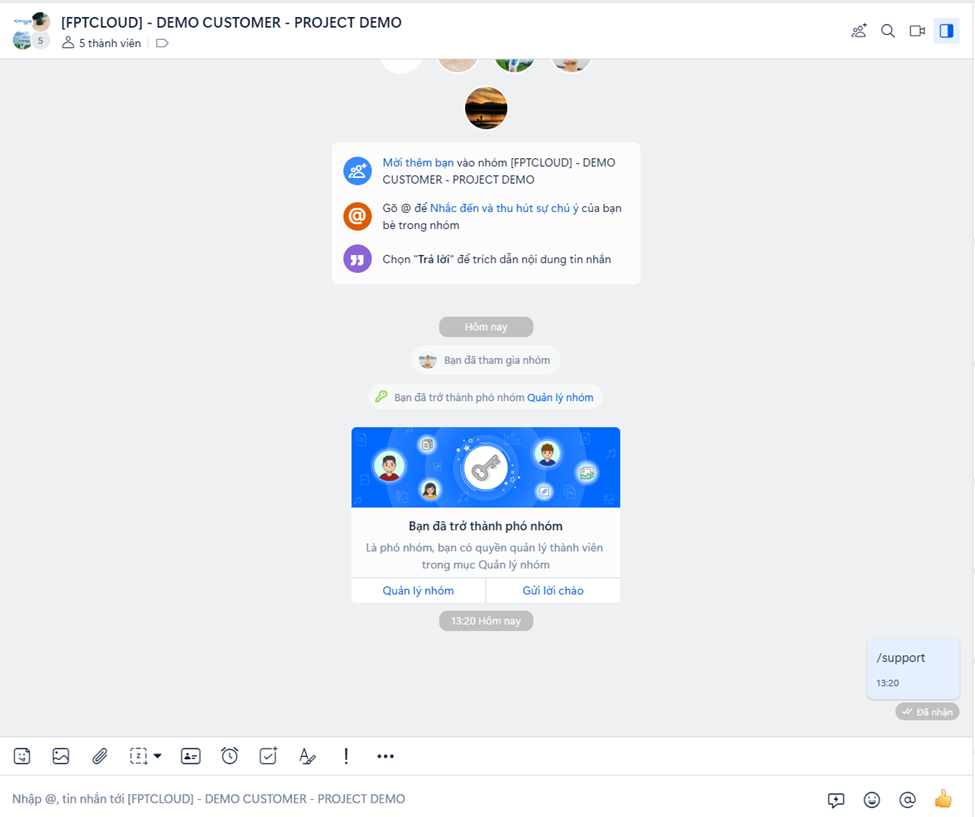
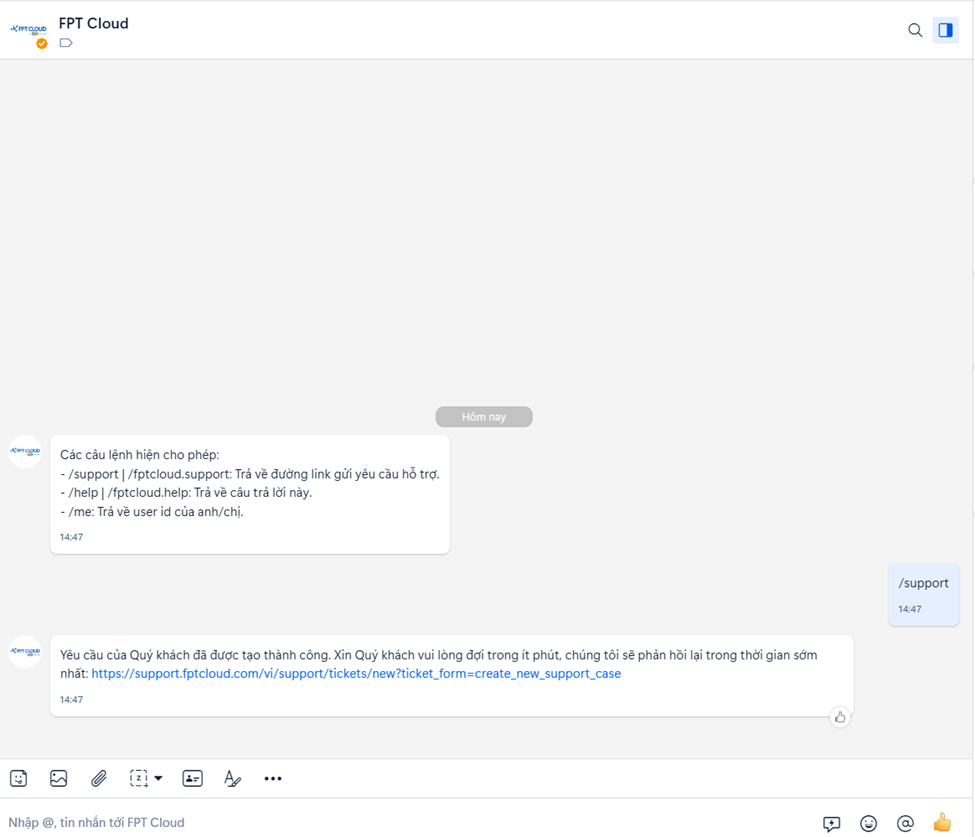
After clicking the link, log in to create a ticket.
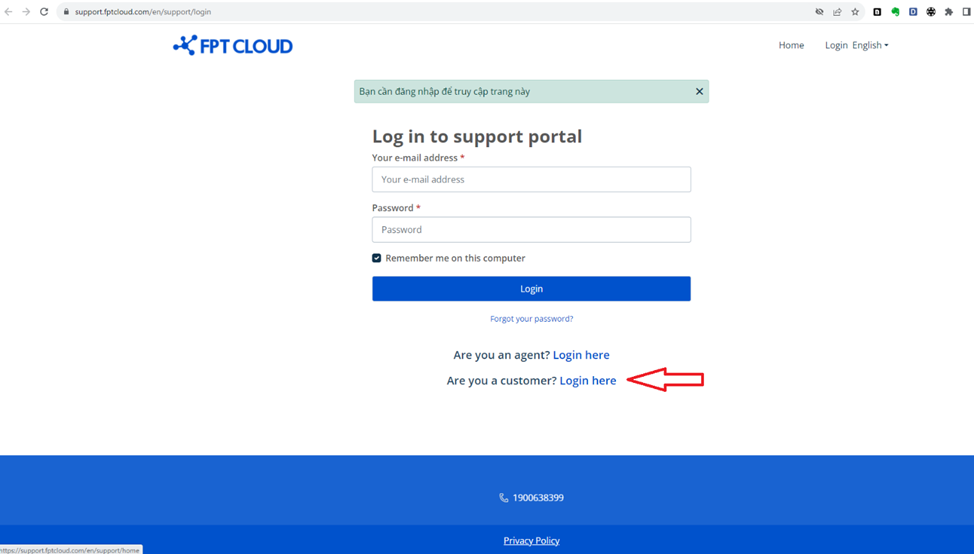
Step 2: Fill in the required information.
- Subject: Title of the support request.
- Organization name: Your tenant name on FPT Cloud.
- I need support for: Select the service you need help with.
- Priority level:
- Urgent: System interrupted, inaccessible, or lost internet connectivity.
- High: System slow, intermittent, or significantly impacting service.
- Medium: Low impact — system can still operate normally.
- Low: Service inquiries or basic support requests.
- Description: Describe the issue in detail.
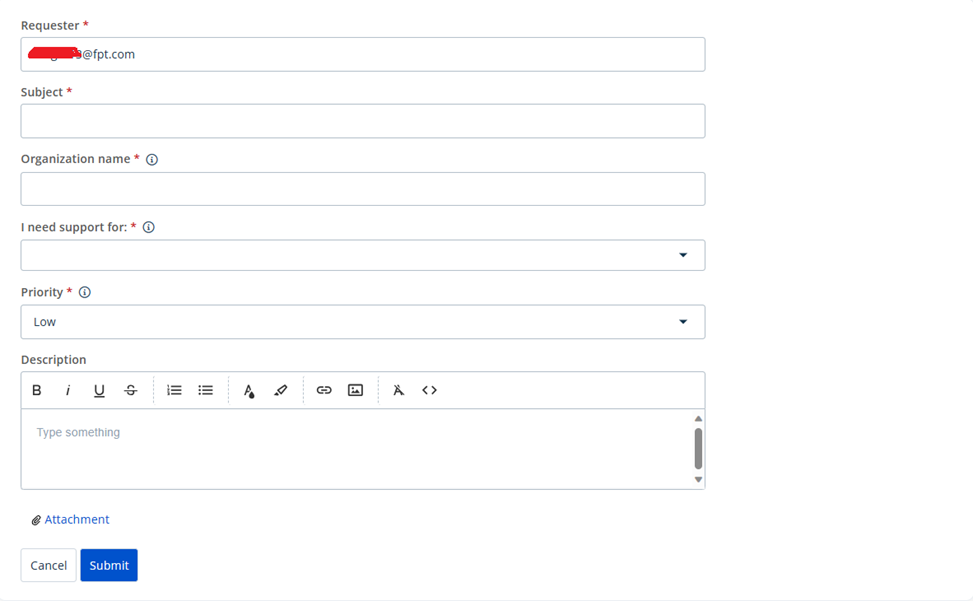
After filling in the form, click Submit. You will receive a confirmation email.
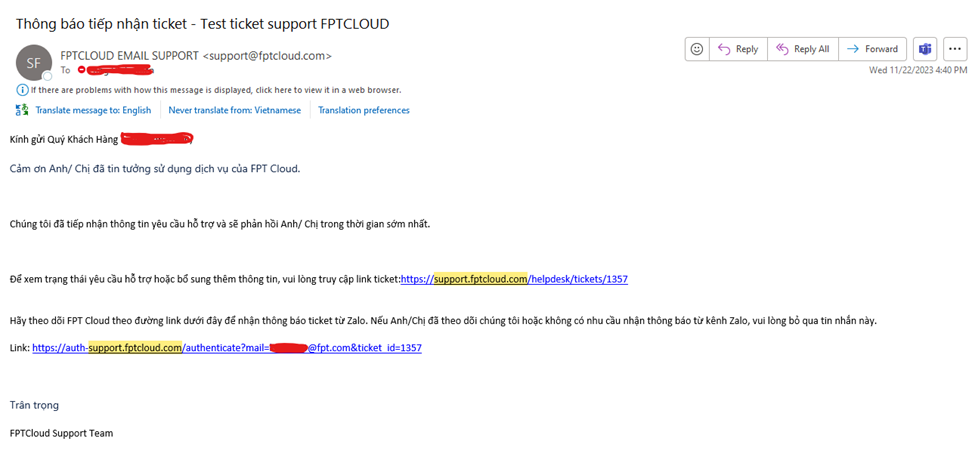
Step 3: Enable automatic ticket status notifications via Zalo.
In the confirmation email, click the link at the bottom. Scan the QR code with the Zalo app, then select Allow.
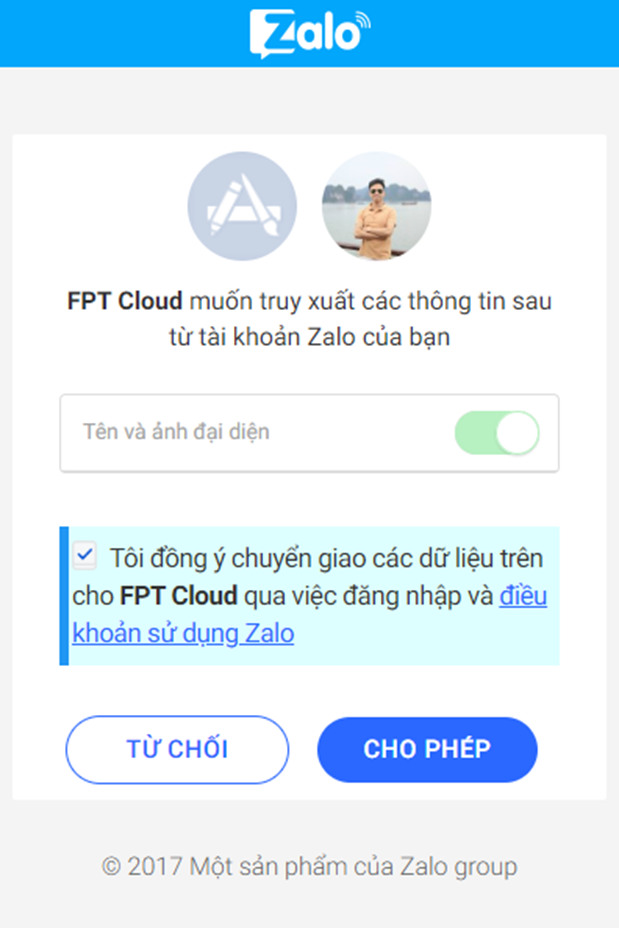
You will receive automatic ticket status updates via Zalo chat.
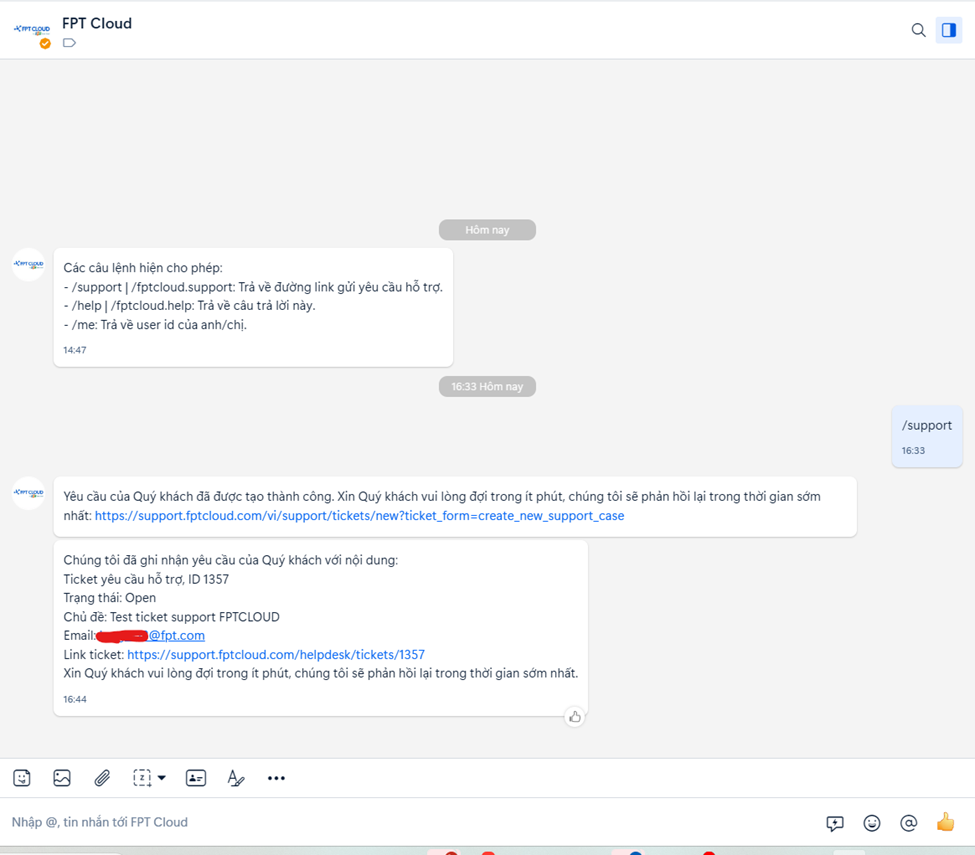
Check ticket status
- The system sends automatic status updates to your Zalo if you completed the notification setup.
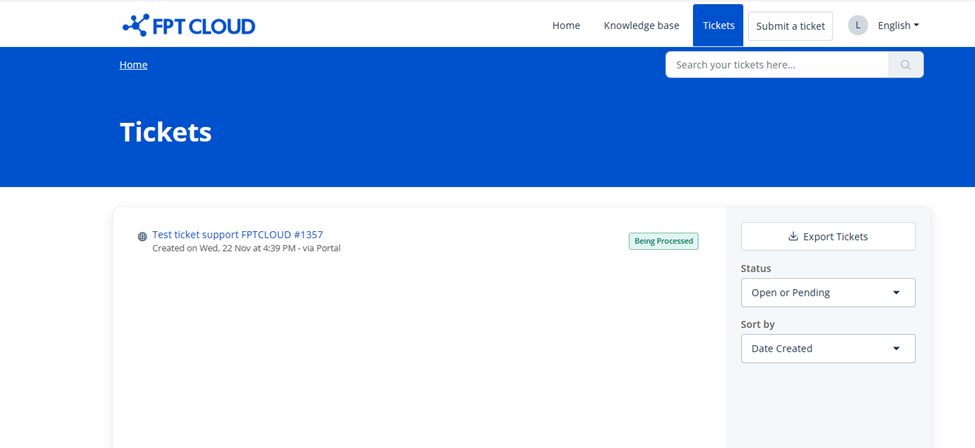
- You can also check ticket status directly on the FPT Cloud Support portal.