Delete a User Group
You can delete User Groups that are no longer needed.
-
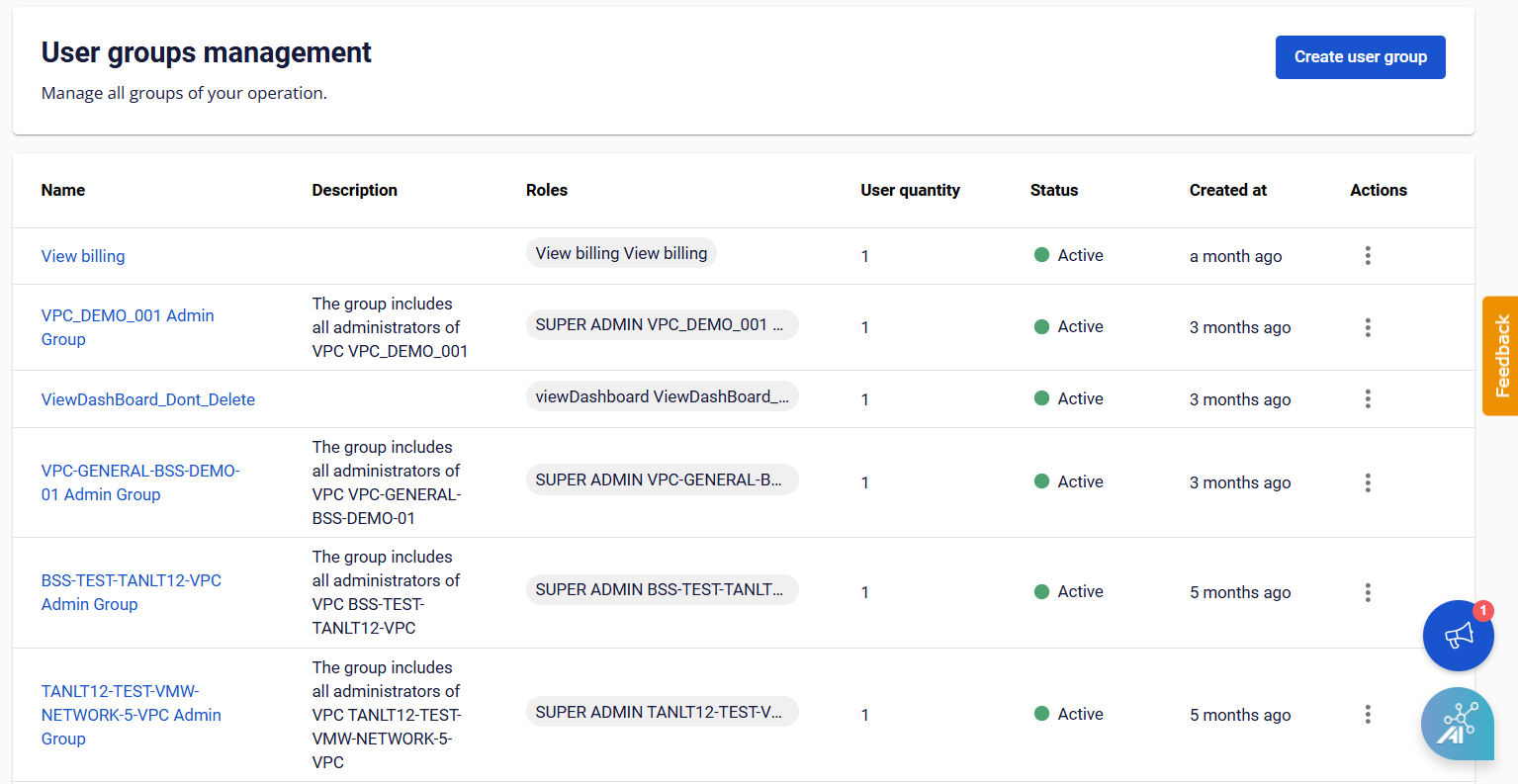
From the menu, select IAM > User Groups.
-
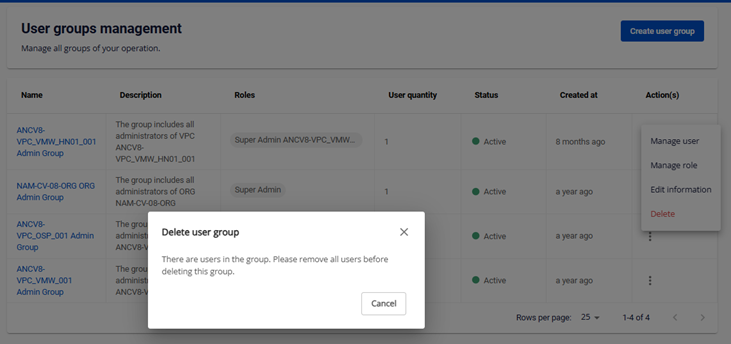
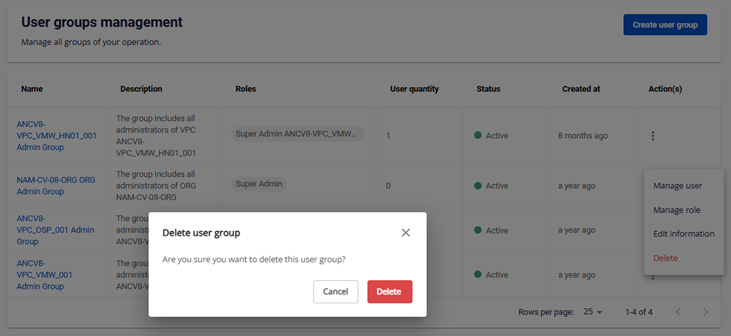
Select Action at the end of the User Group you want to delete, then choose Delete.
-
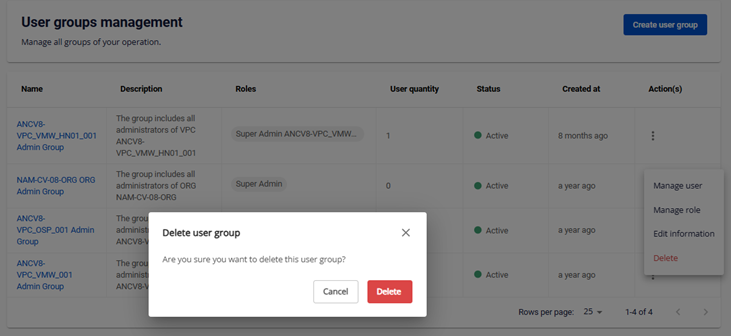
Confirm the warning in the popup and click Delete.
note
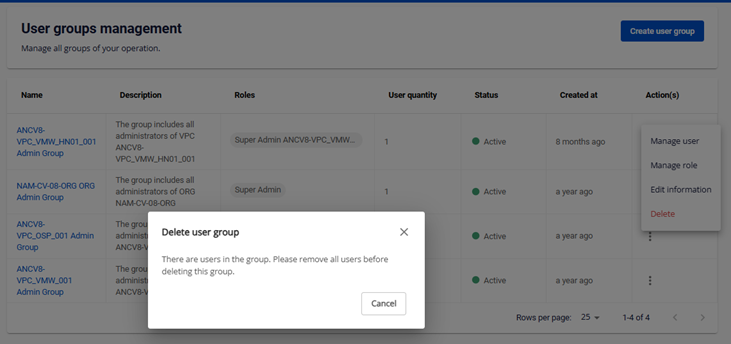
You cannot delete a User Group that currently has users. Remove all users from the group first.