View traffic logs
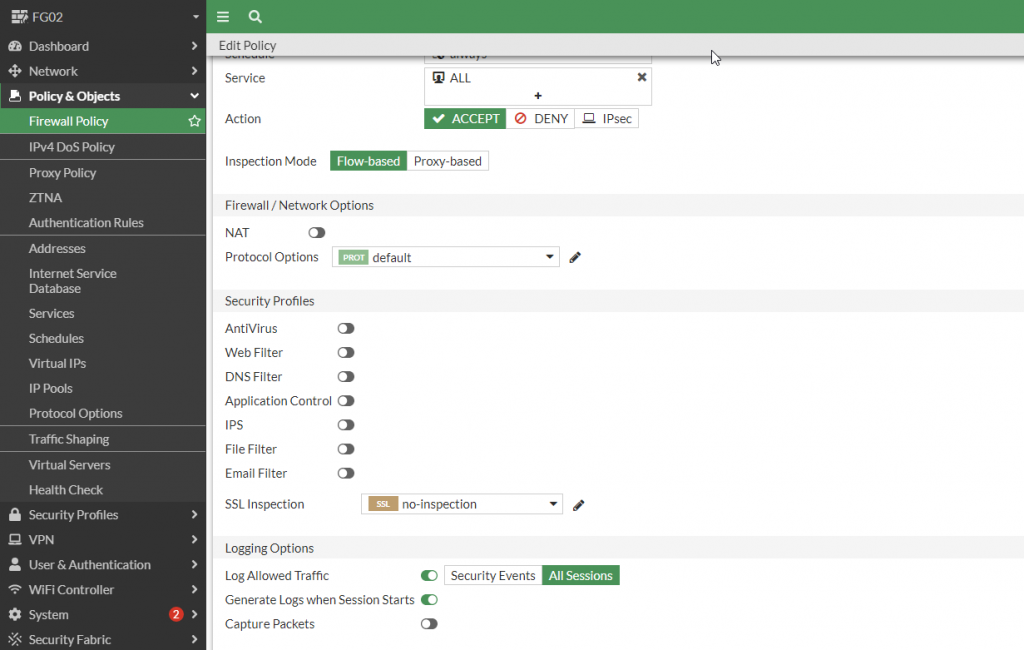
When firewall policies are created, traffic connection logs appear in Forward Traffic after enabling Generate Logs When Session Starts.
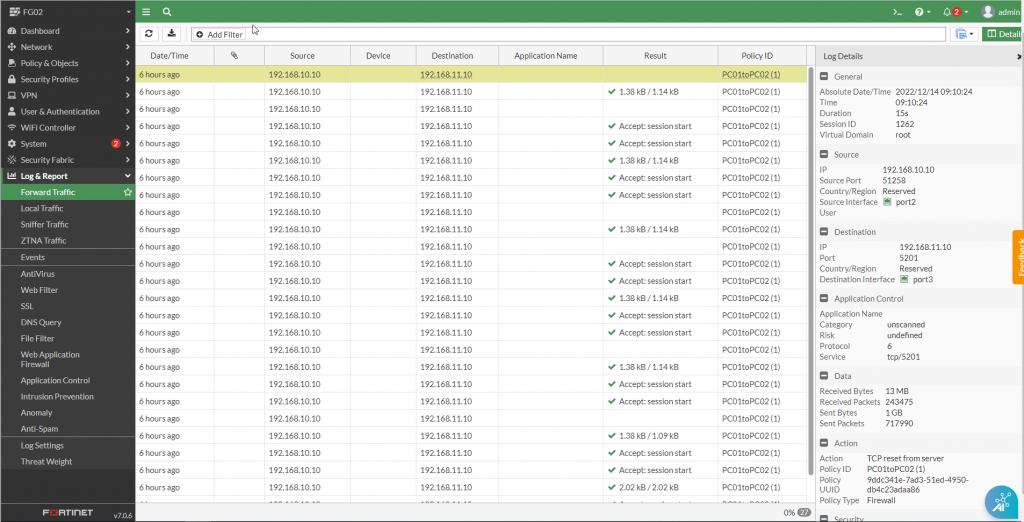
- Navigate to Log & Report > Forward Traffic. Double-click a log entry to view its details.
- Security profile logs are stored in the corresponding sections under Log & Report > Antivirus / Web Filter / WAF / IPS, etc.