Delete Event Gateway
To delete an Event Gateway, follow the steps below:
Step 1: In the menu bar, select Integration > Event Gateway.
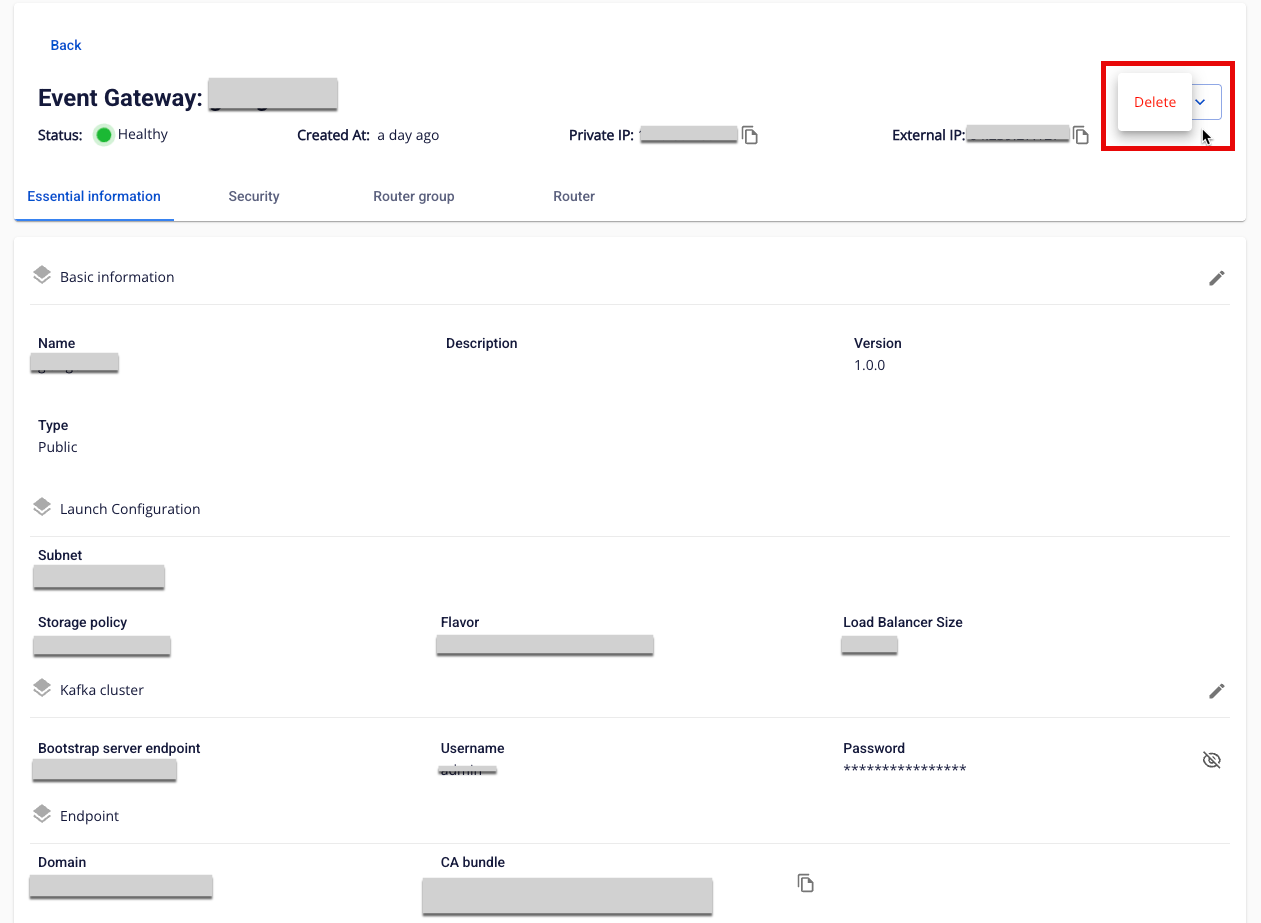
Step 2: In the Event Gateway list, select the Event Gateway to delete > click Action > select Delete.
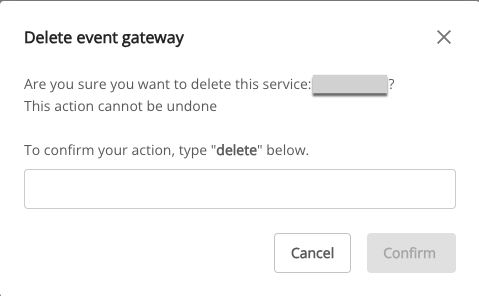
Step 3: The Delete Application dialog appears > type delete > click Confirm to complete the deletion of the Event Gateway.