View and update Secret value
Viewing and updating Secret values lets you inspect or change the stored content when needed. Each update creates a new version so you can track the change history.
Step 1: On the Secret Engine Detail screen, select the Secret Engine containing the Secret whose value you want to view.
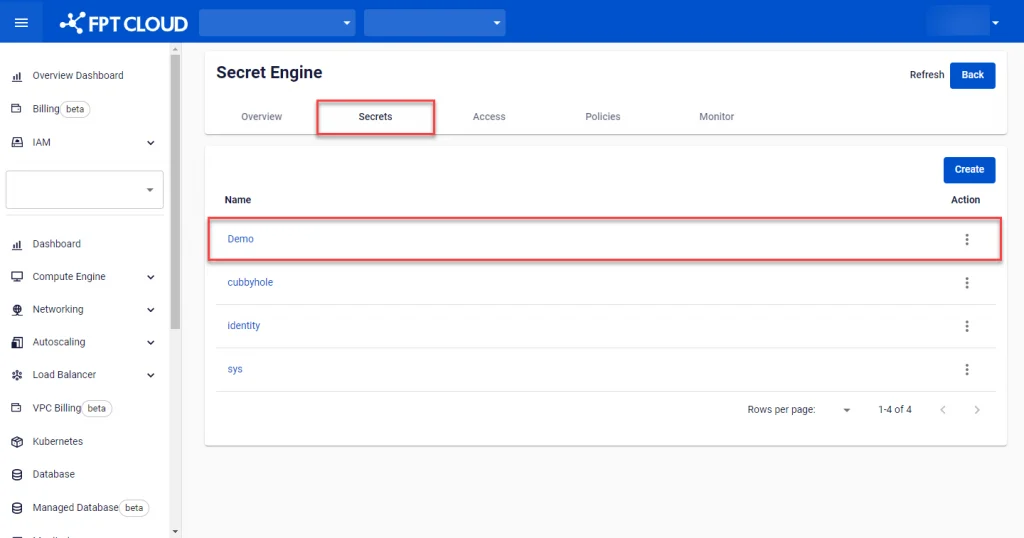
Step 2: Select the Secret you want to view and update.
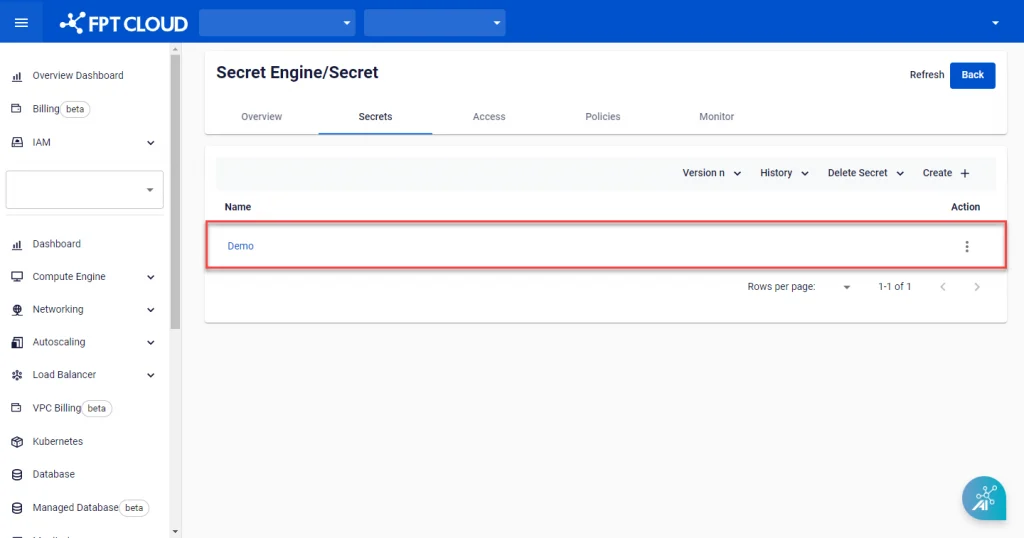
Step 3: The Edit Secret screen appears. View the existing information or enter new information to update. Select Edit to save.
