Enable/disable anonymous user
Users can enable or disable anonymous access to ArgoCD via the Portal interface. The anonymous user has the default readonly permission. By default, ArgoCD disables anonymous access.
A. Enable anonymous user
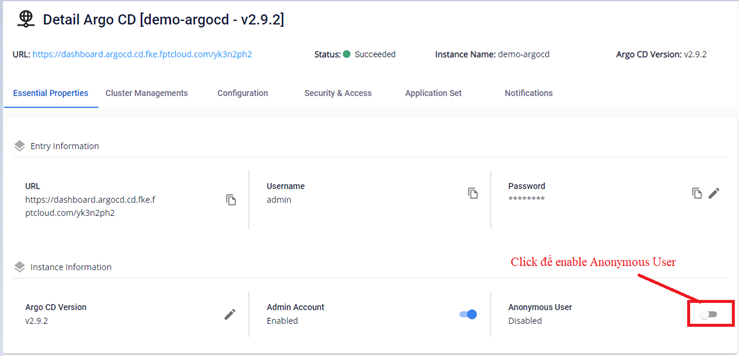
- On the Essential Properties screen, click Enable Anonymous User.
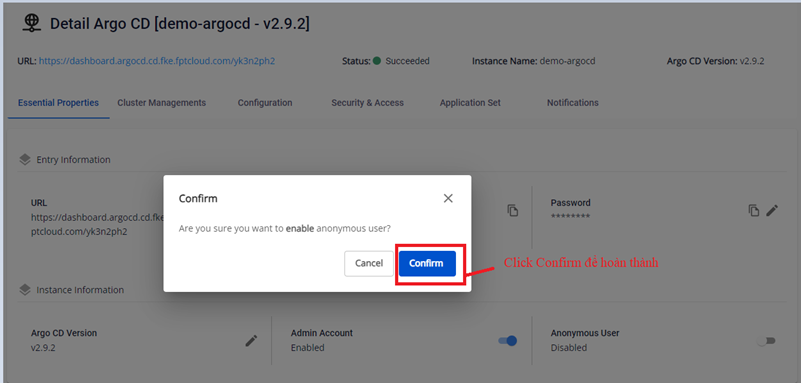
- Click Confirm to confirm.
- Result after enabling:
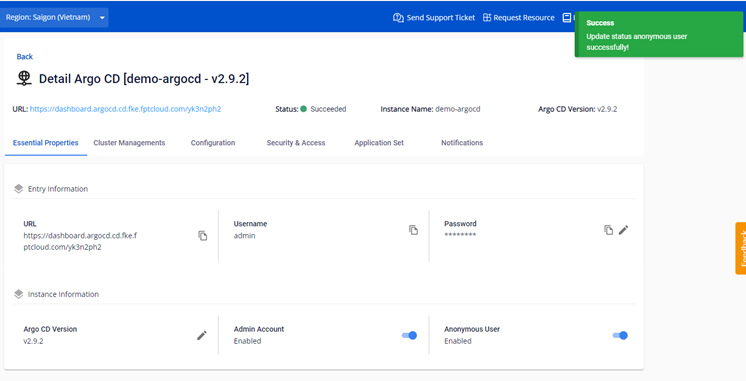
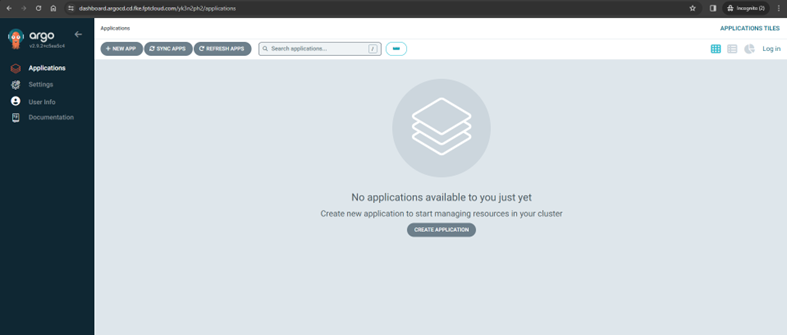
After enabling, you can view ArgoCD information without logging in:
B. Disable anonymous user
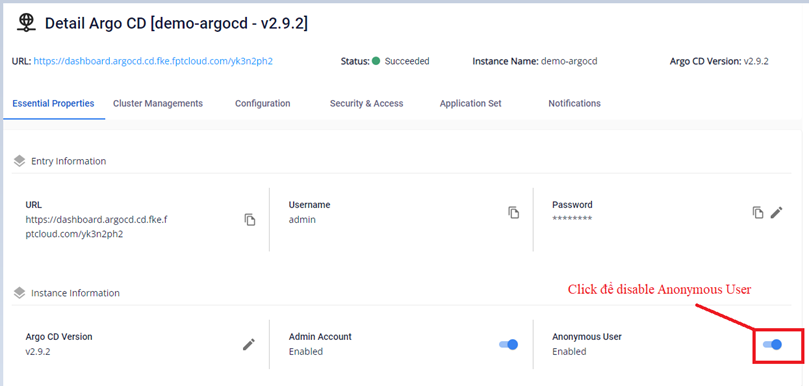
- On the Essential Properties screen, click Disable Anonymous User.
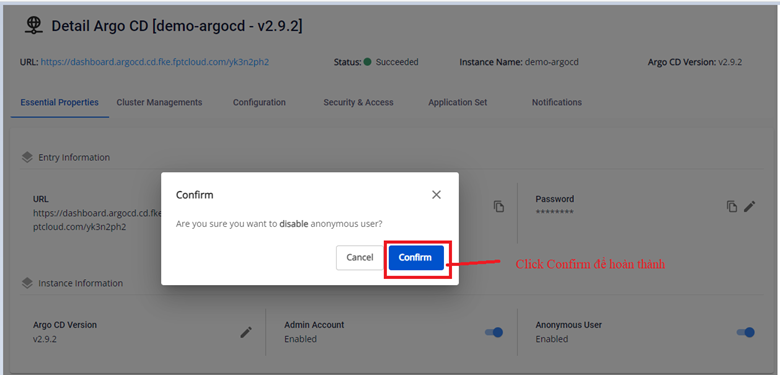
- Click Confirm to confirm.
- Result after disabling:
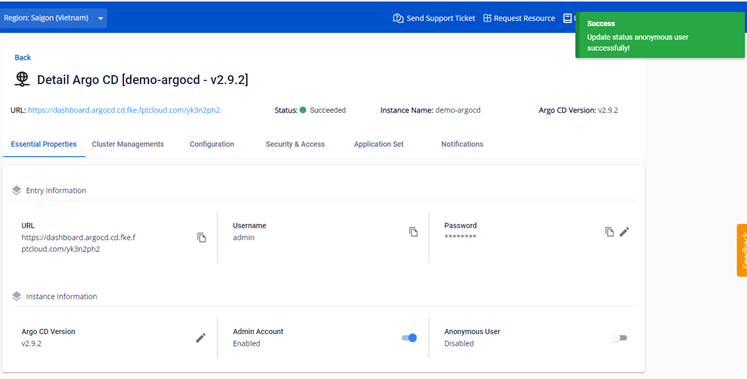
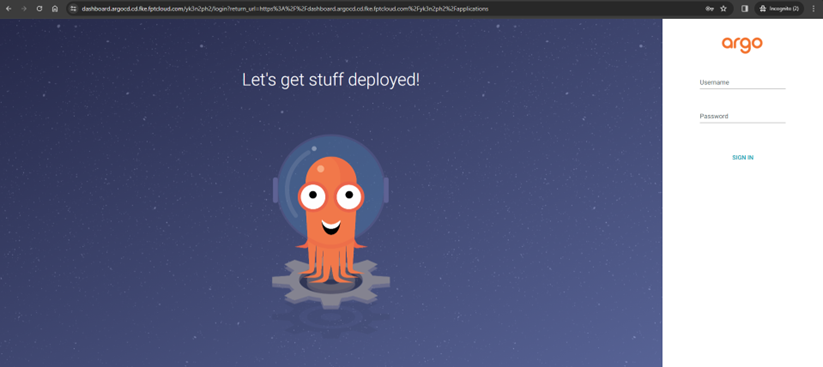
After disabling, ArgoCD requires login before viewing information: