Delete a model
Delete a model allows user to delete from the list of created models
Step 1: Locate Your Model
- Use the search bar at the top to find your model by name or keyword.
- Apply filters (e.g., version, size, tags) to narrow down the list.
Step 2: Select the Model
-
In the model list, each entry displays:
- Model Name
- Version
- Size
- Tags
-
Click the Delete button next to the model you want to delete.
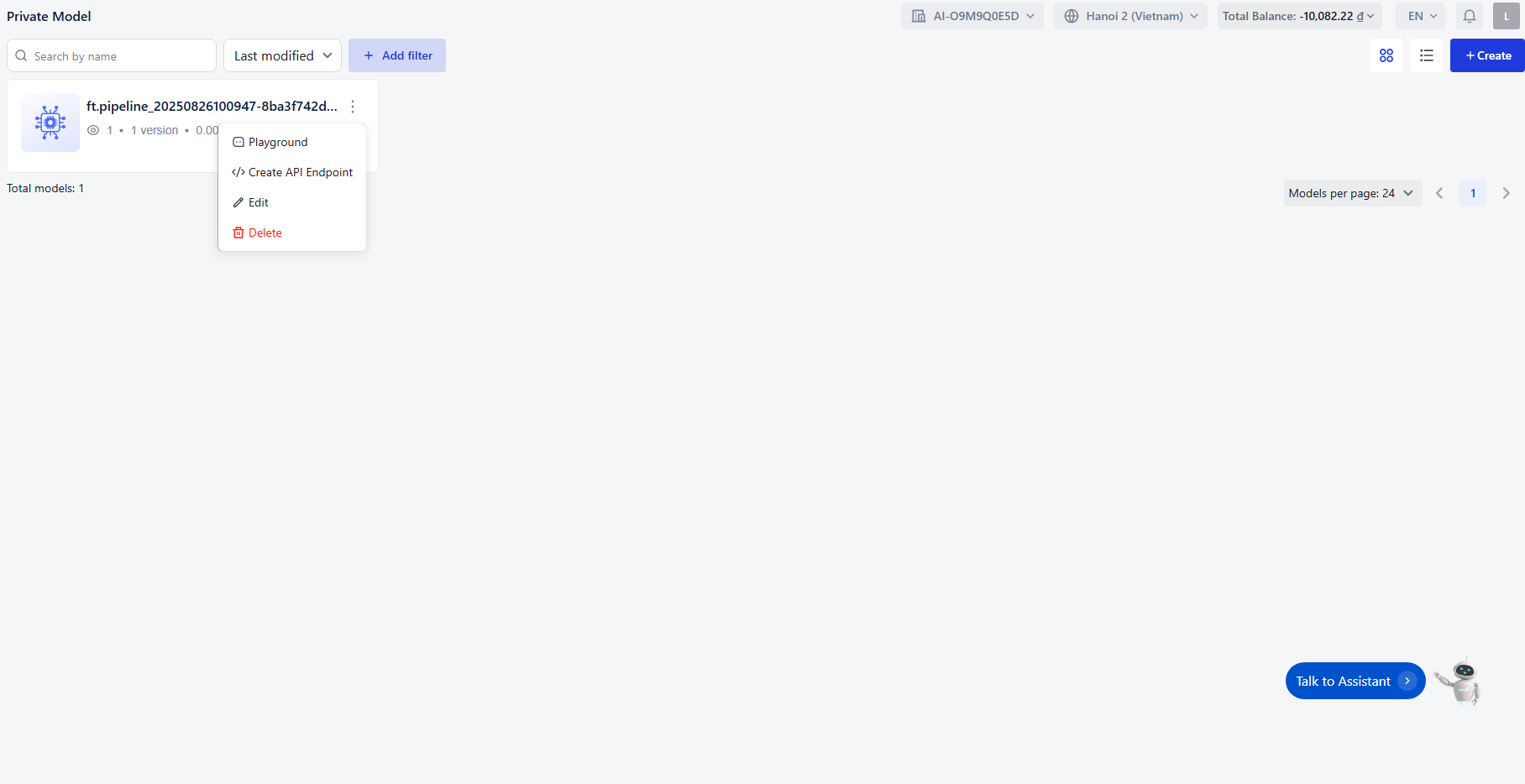
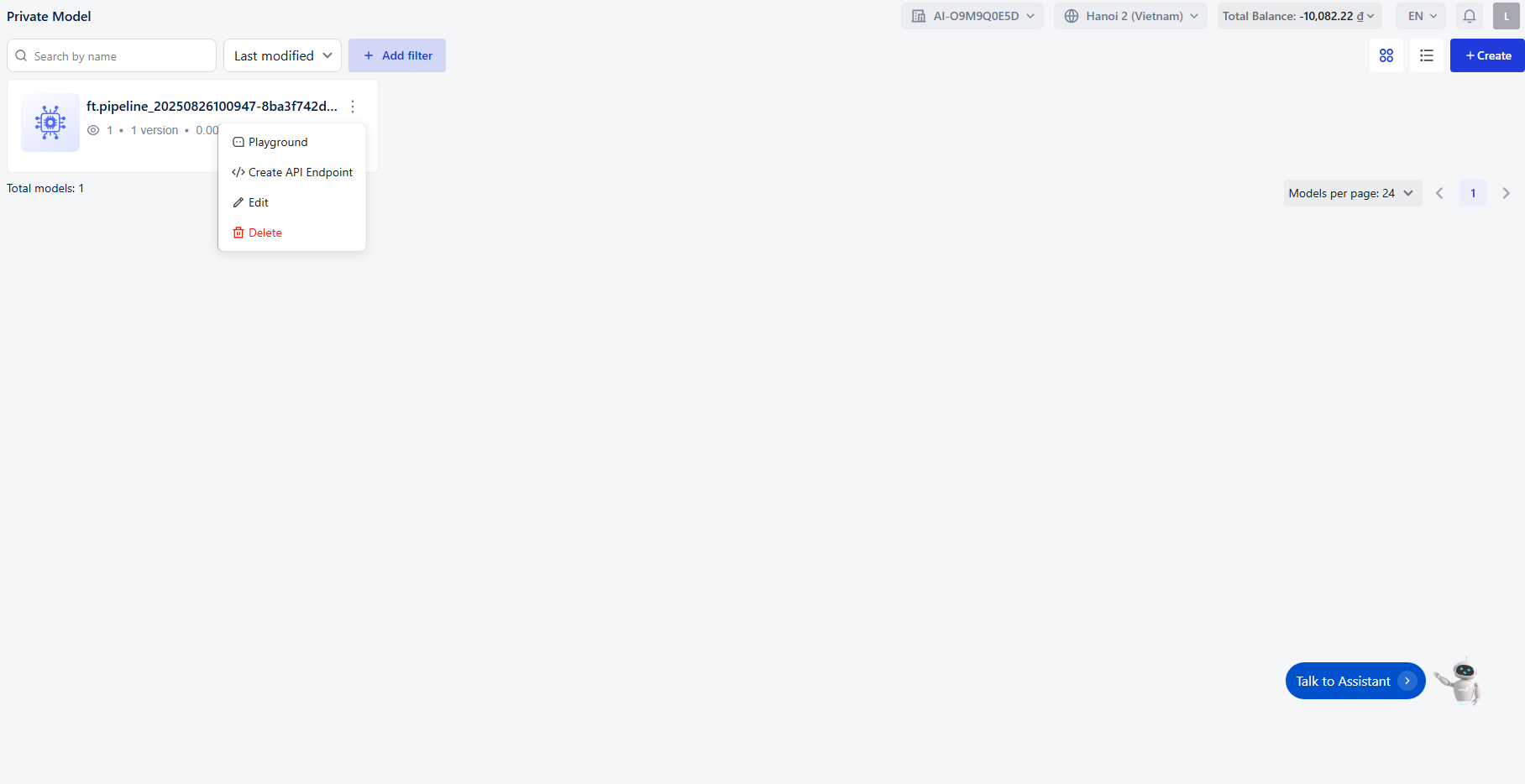
Step 3: Delete the Model
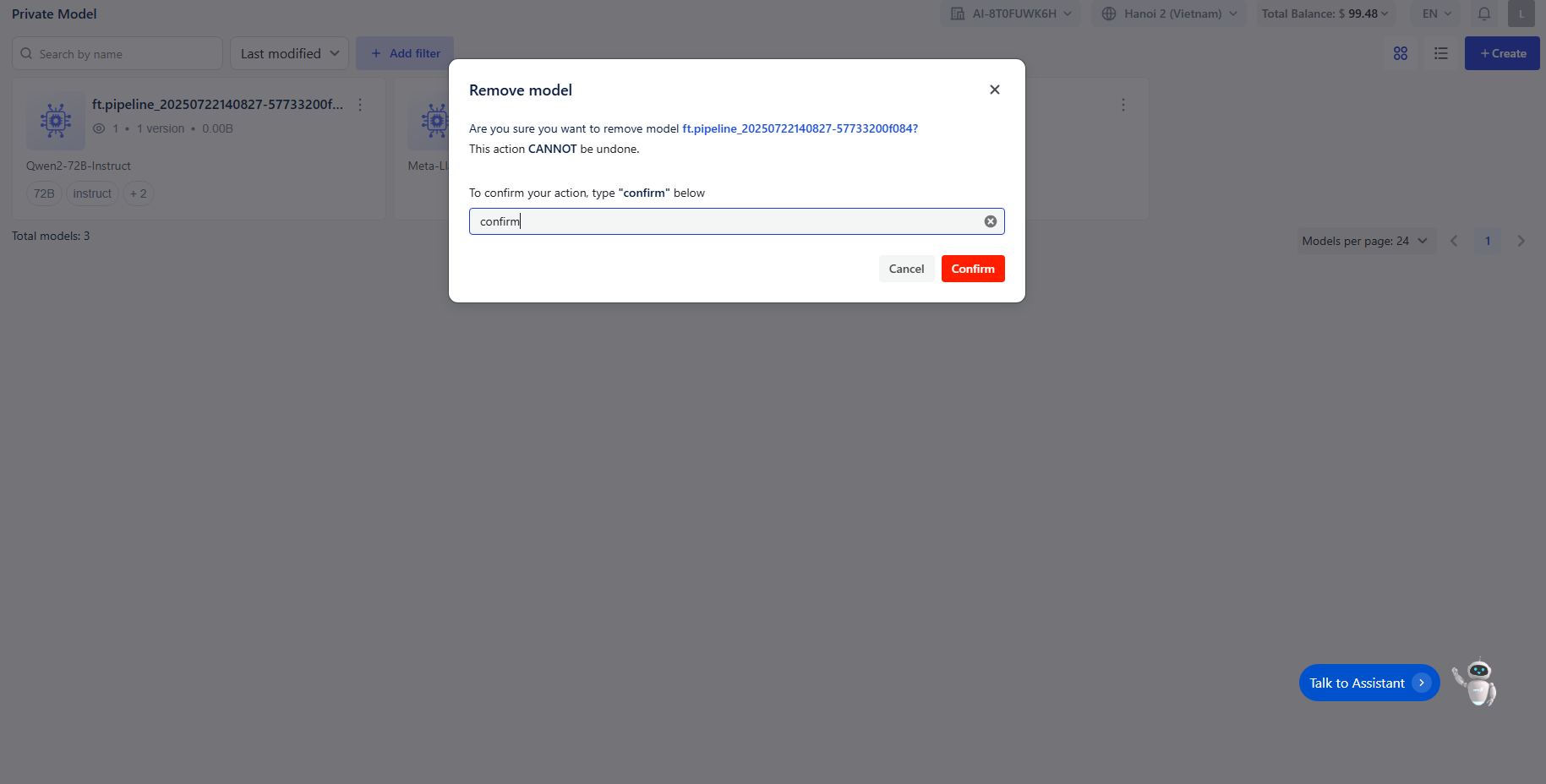
Once you click Delete , a confirmation dialog will appear. To confirm deletion, type "confirm " into the text box. The Confirm button will become enabled once you enter the text.
Step 4 : Finalizing Changes
- Click the Confirm button to delete the model
- Click Cancel to cancel the action.